
 Tool Used : SQL Developer version 3.1.07
Schema Used : HR
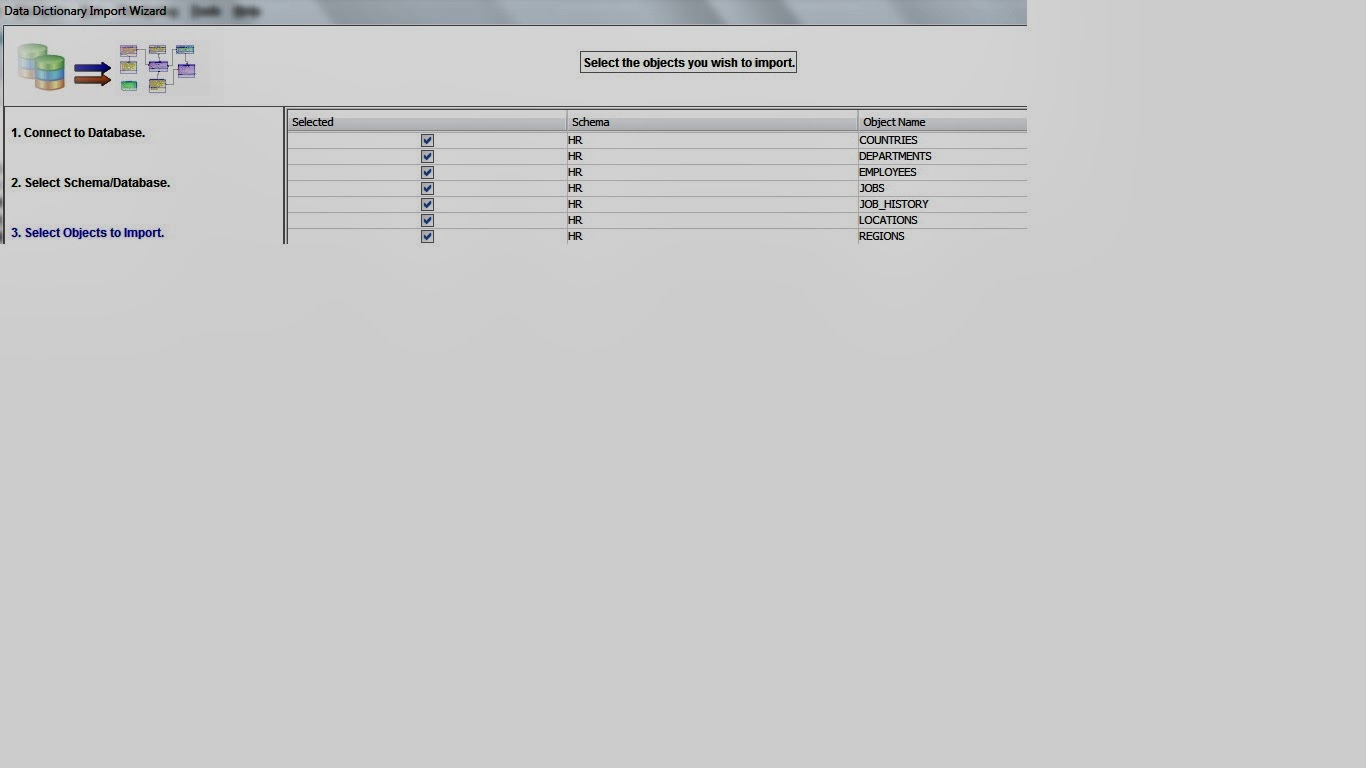
Tables Used : Countries, Departments, Employees, Job_History, Jobs, Locations, Regions
Navigate the below path and step by step screen shots:
File > Data Modeler > Import > Data Dictionary
1# Select DB Connection and click on next
 2# Select Schema/DB you wish to import and select Import to New Relational Model and click on next

3# select the objects you wish to import and click on next and finish
4# E-R relationship diagram is created between list of tables

5# You can save and print ER relationship by following below path
File > Data Modeler > Print Diagram or Print
I hope I made my self clear. Please let me know your success and failures.